I've been snapping pictures like crazy since about the time I learned to write in cursive, with any camera I could get my hands on, from instamatics and a hand-me-down black and white Scout camera, courtesy of one of my siblings, to an Olympus 35mm Tom bought me – and that was subsequently stolen from our home a few years later.
Some of my first work…
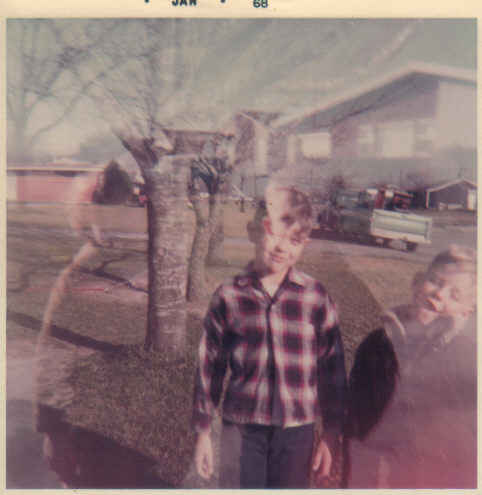
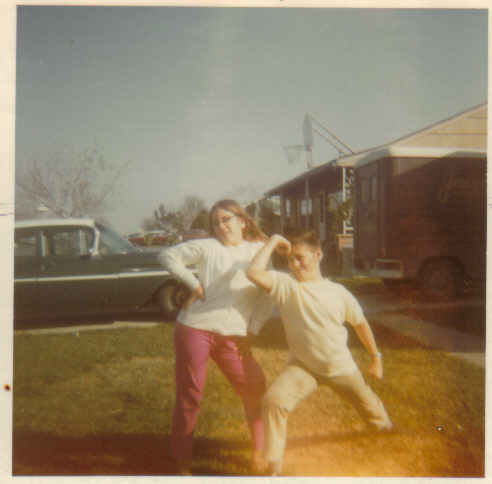
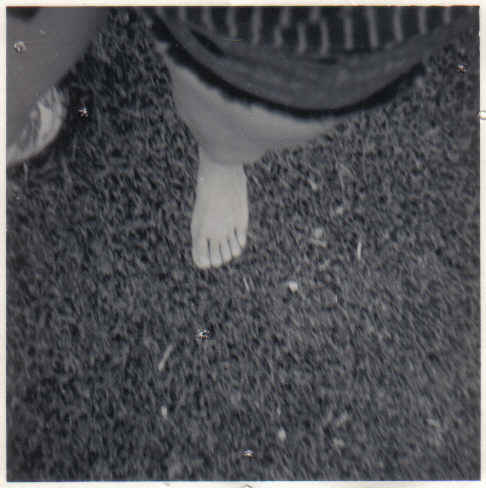
I improved over the years (I hope) but never took the time to really play around with angles, lighting, and all of that fun, creative stuff. But thanks to my friend Ann, whose Nikon I coveted, I begged for a new camera… and now thanks to my blogging friend Jillsy (click here to see the beautiful images she captures on her camera), I've been inspired to really learn how to use it and reawaken my photography passion. And I'm loving it! No, I didn't need another hobby or time-sucker, but I refuse to feel guilty about it.
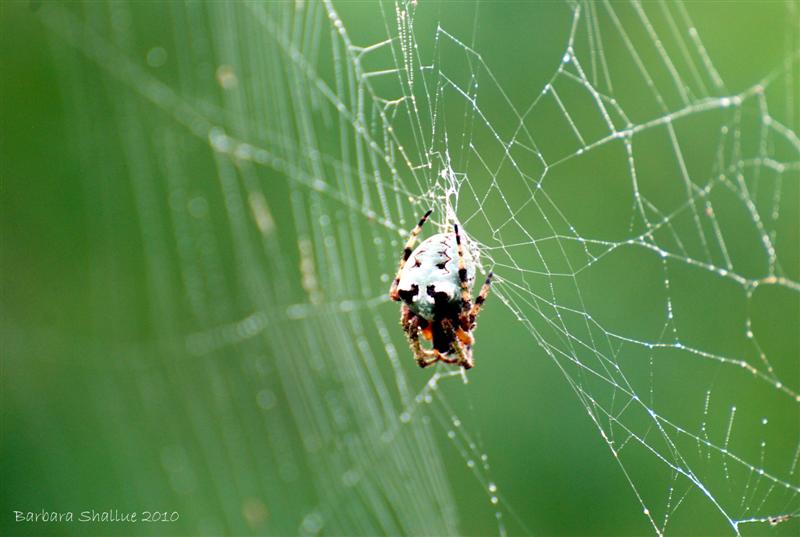
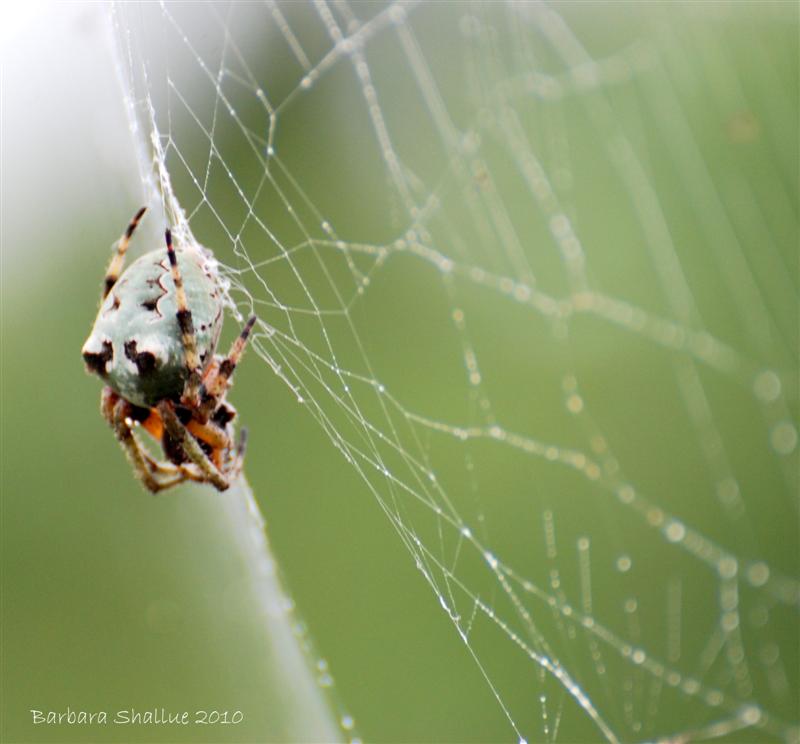
Starting today, I'm going to post my favorite photos of the past week every Friday. Or at least try to. Here are the first ones…
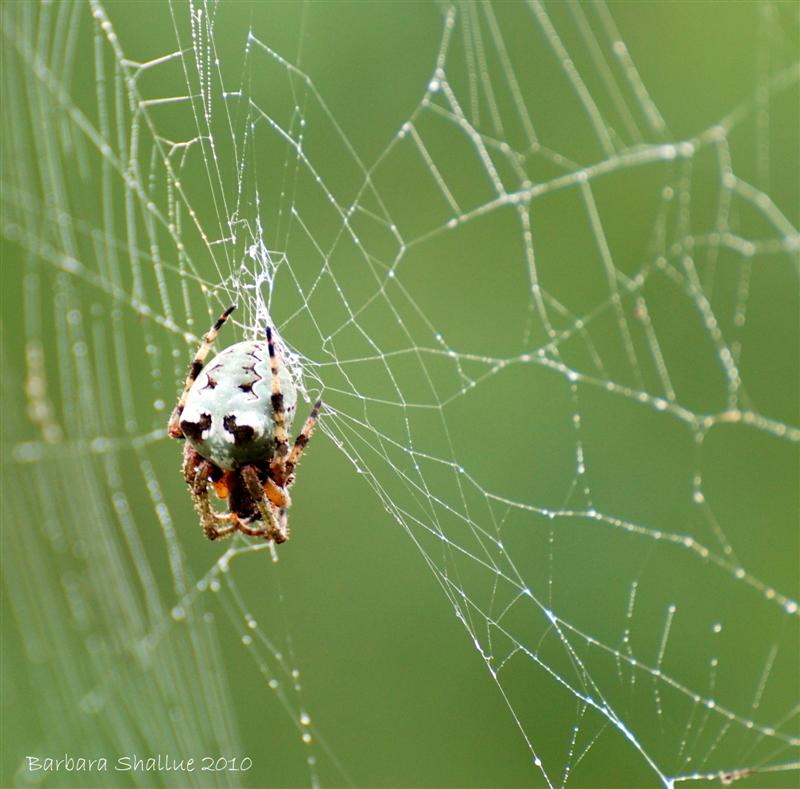
I discovered this little lady between our deck and the tops of some trees this week, hard at work on her delicate web. The light was perfect… she was at just the right level with me… and thank you, Tom, for my zoom lens so I didn't have to get any closer! (She's an orb-weaver, if you're wondering.)
Talk to me! Here are directions for leaving a comment…
- In light gray teensy letters
way, way down below the post … below
the small square Link Within pictures and just above the next post …
you'll see "Comments" mixed in with a lot of other words. Click on it. - You'll
come to a new page. Scroll to the bottom of the post again
(and if there are already some comments, scroll to the bottom of those
as well) and you'll see something like "Sign in with Typepad or more" –
click on the "more" if you don't have a Typepad profile. (It's
free to create a Typepad profile and it doesn't mean you're starting a
blog.) - Now
you're on another new page with a box in the middle. On the
right there's a drop-down menu – click on the arrow to see your sign-in
choices, like Google, Blogger, Twitter, Facebook, etc. Click on the one
you want to use. - Now there's ANOTHER new page
where you can fill in your sign-in
info. Once that's entered, you should be brought back to the page with
my blog post. Scroll down to the bottom again and now there should be a
big box waiting for your comment.
Whew! If you go to all of that trouble, let me thank you in
advance right now! I love getting feedback on my posts. And I promise
I'll respond!

 Long Hollow
Leave a reply to Barbara Shallue Cancel reply